Mobile browser with a focus on privacy
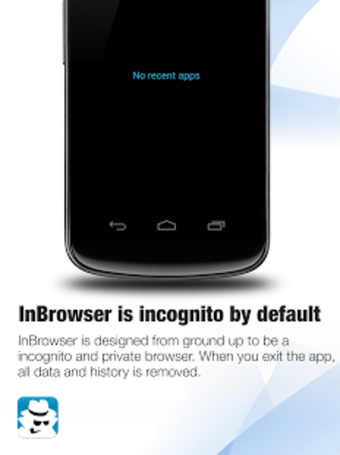
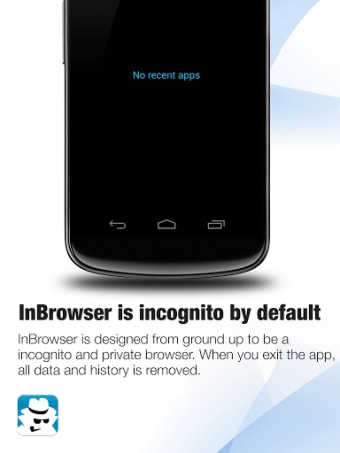
InBrowser is a free web browser developed by Private Internet Access Inc. for mobile devices. Its name is derived from the term incognito browsing, and as it suggests, focuses on helping users maintain privacy and anonymity online. Each session's data and history is immediately deleted upon exiting the app.
Top Recommended Alternative
The idea behind InBrowser is similar to that of Firefox Focus or Dolphin Zero in the sense that it also protects online activity from tracking and prying eyes. It uses the highly effective TOR protocol and still even supports proper online video playback.
How does it work?
InBrowser, short for Incognito Browsing, is a web browser that you can use if you value privacy above all else. It helps you keep your online activity anonymous and away from all sorts of tracking and other data collecting methods that websites usually employ whenever you visit them. It uses TOR for encryption and also to unblock and bypass geo-restrictions in some sites and streaming services.
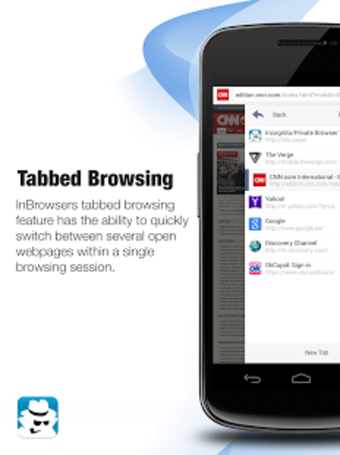
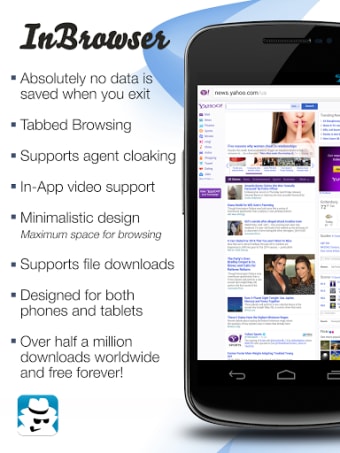
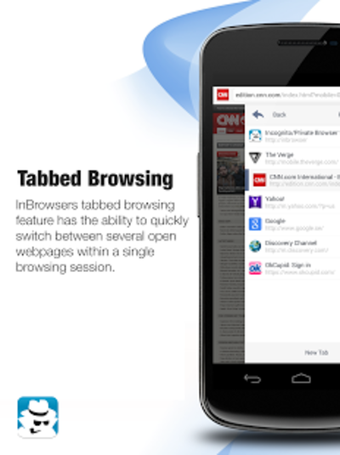
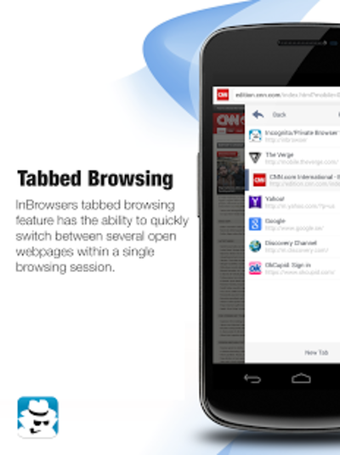
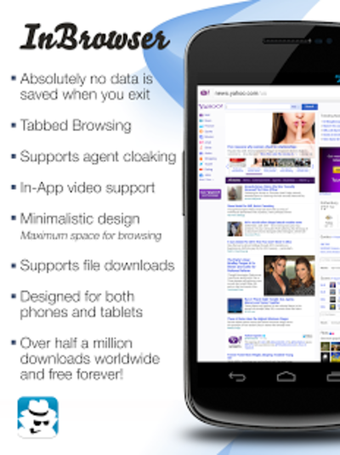
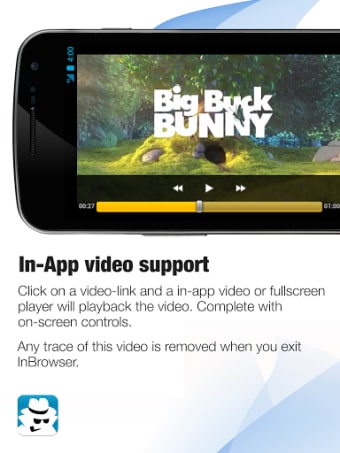
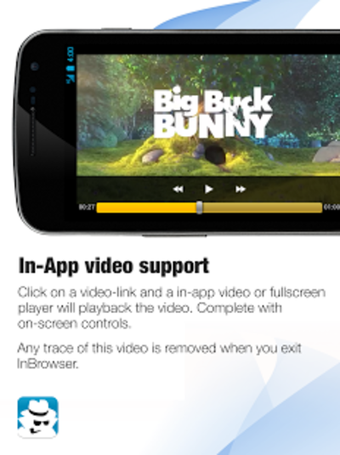
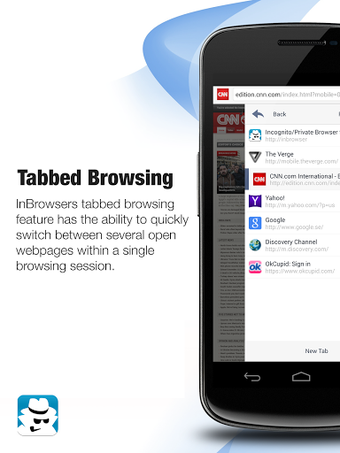
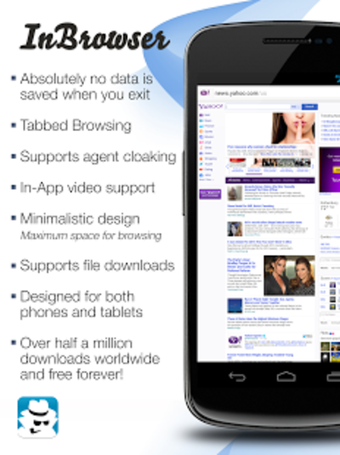
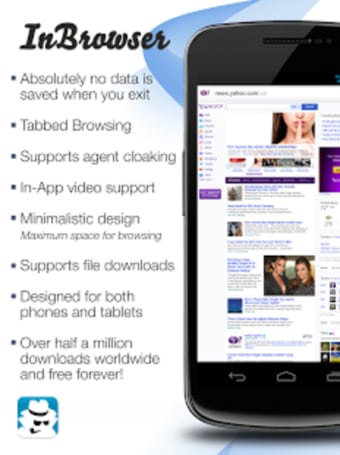
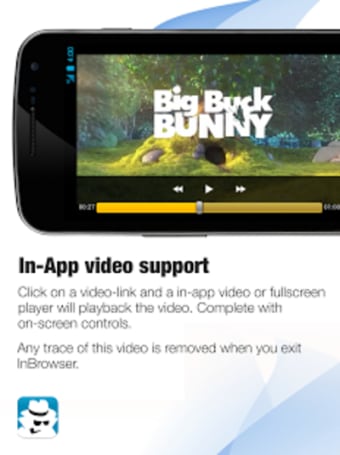
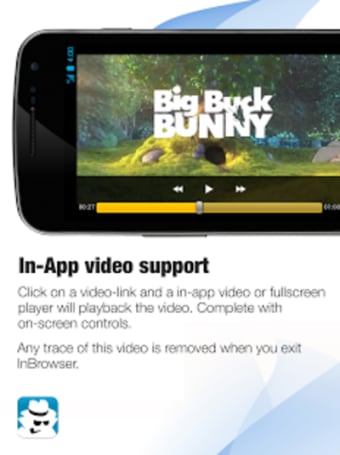
The program still comes with the standard features that you have come to expect from any web browser. It supports tabbed browsing, as well as downloading files like documents, videos, or images. What's more, you can still enjoy proper video playback online with the built-in media player. If you use LastPass, you'll be glad to know that it integrates with the service well for easy and secure logins.
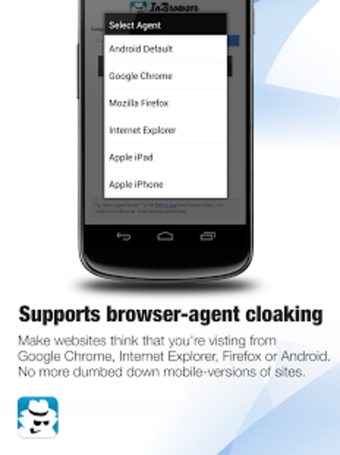
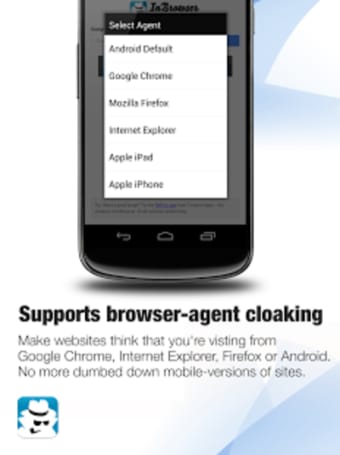
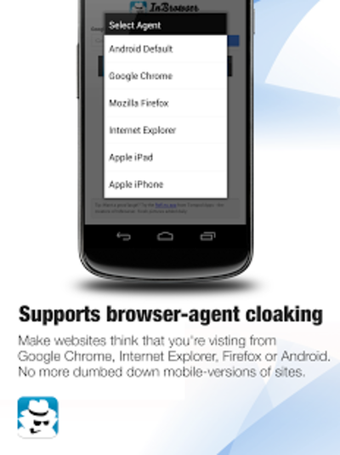
Lastly, it features agent cloaking that comes in handy if you want to switch between mobile and desktop versions of a particular website. If you plan to use it together with a VPN, just be aware that it might not work well with some services, depending on how they handle data and internet traffic. Also, some occasional lag and crashes happen every now and then.
A solid option for private web browsing
If you're still on the fence about using a VPN service, but you will want some level of privacy and protection while you're online, InBrowser is a great option worth considering. It's easy to use, offers much of the same functionality as standard browsers, and will keep your internet activity secure and away from tracking. However, do take note of its occasional crashes. Still, it is highly recommended.